
Welcome to Spotlite!
We’re so excited to officially welcome you, and soon your clients, to Spotlite. This guide will help to get you set up, taking you through the simple steps for getting started.
Let’s start with onboarding your very first clients!
How to get started
A mini guide to getting set up on Spotlite
Now that you’ve created your account, it’s time to onboard your first client! Here is a quick and easy guide to onboarding…
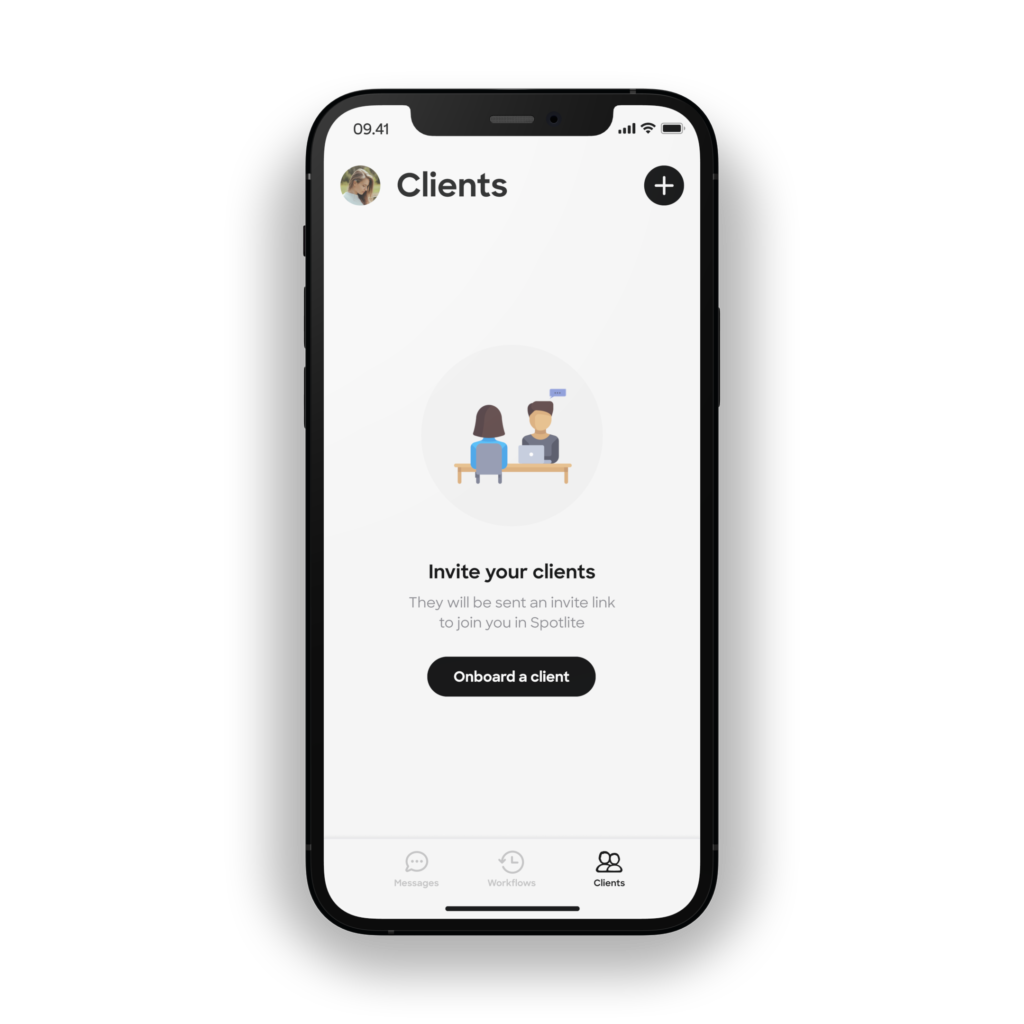
- STEP 1) Go to the “Clients” tab and click “Onboard a client”. We’ll ask you for a few details including their email address, and the start and end dates of their contract with you.
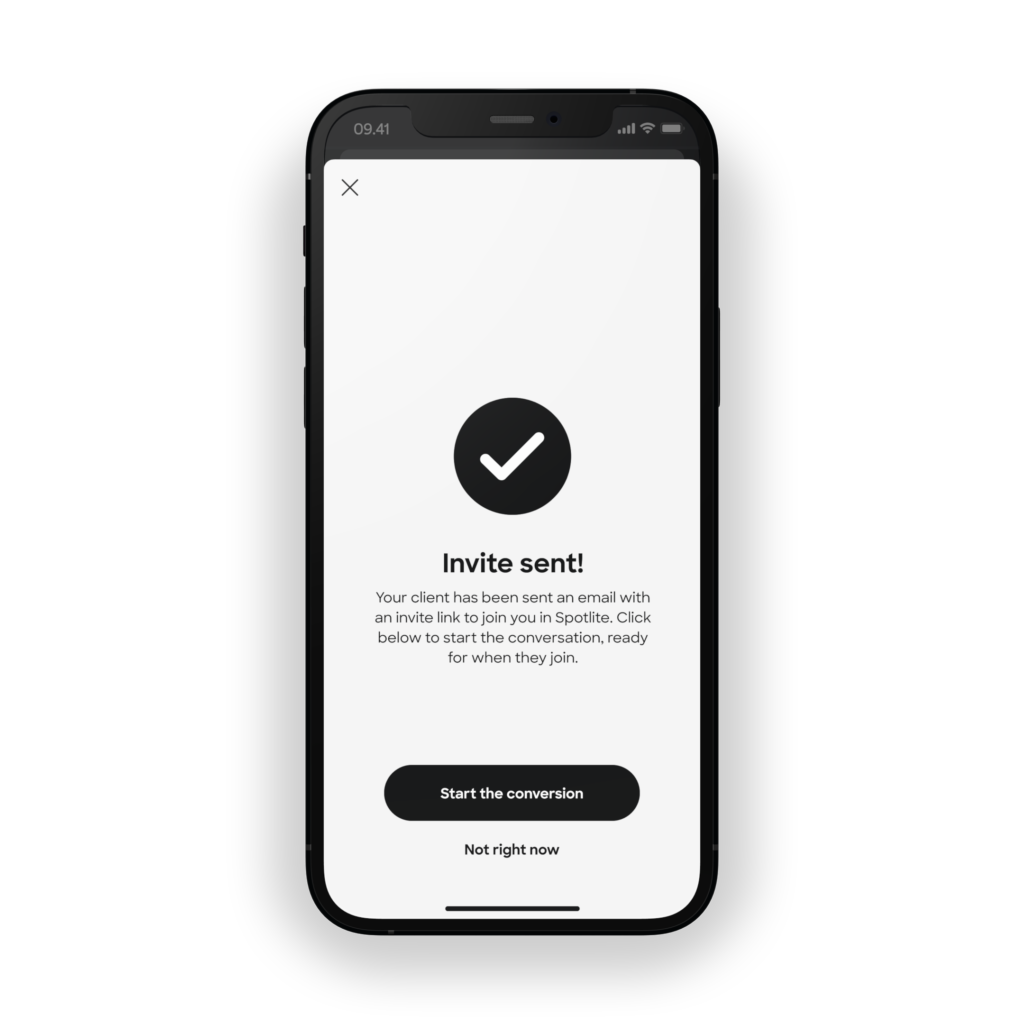
- STEP 2) Once you have answered these few questions, you’ll reach the “Invite sent” screen (see image below) – and your client will now have an email invite inside their inbox, with a link to join you inside Spotlite.
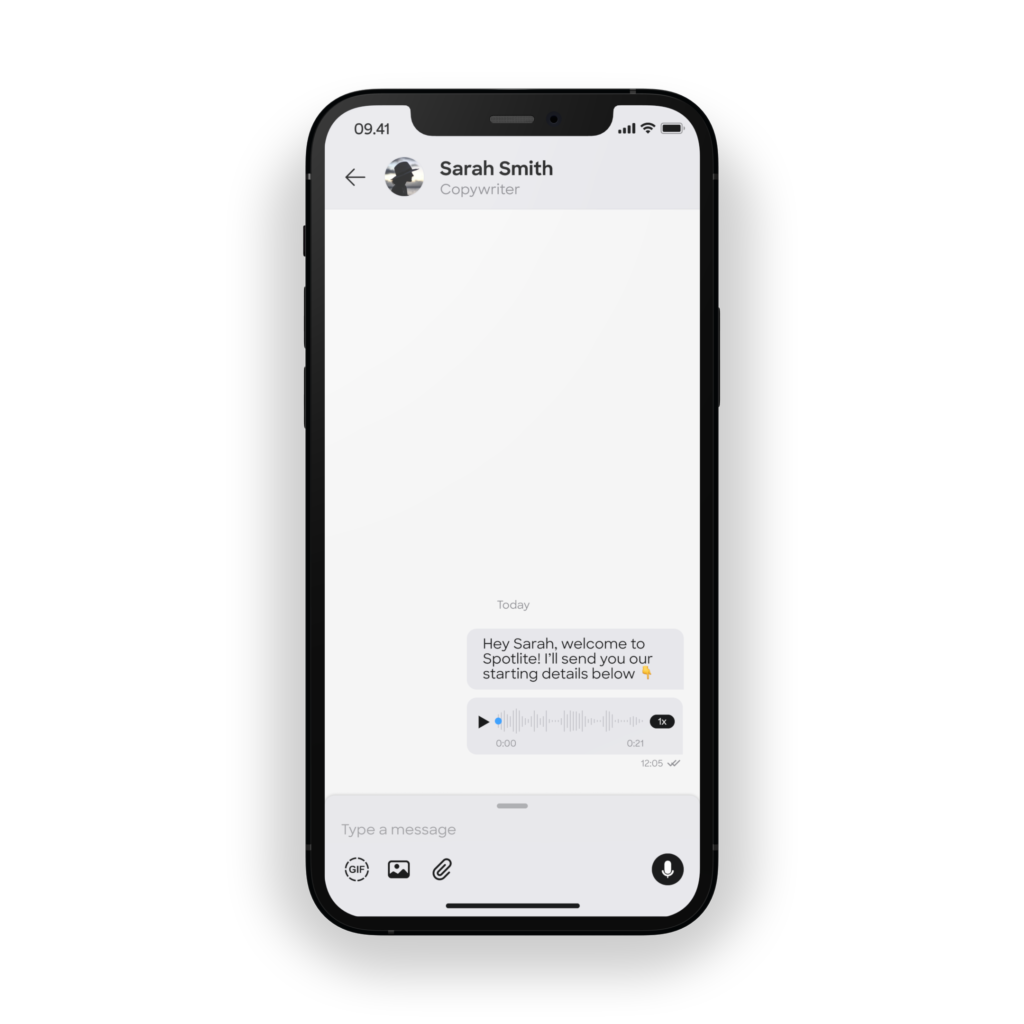
- STEP 3) Click to “Start the conversation” and send your client a message ready for when they arrive on the app. Alternatively you can select “Not right now” and simply click on this client’s profile later to message them. You must sent the first message to get the conversation started!
NEXT STEPS...
Once you’ve set up the basics, here are some extra features you can utilise to make it easier for you to give your clients an exceptional experience, while saving you time and energy
Workflow automations
Create your onboarding and offboarding flow of messages ONCE, and Spotlite will automatically send these to your clients.
The means never again needing to think about…
- what reminders you need to give clients when they onboard
- a check in to book their weekly calls
- asking whether they’d like to re-sign
- offboarding them with all the info they need
Have questions about getting started?
Get in touch with us if you’re stuck with anything or have a question – by emailing us at [email protected] and we’ll get back to you within 72 hours